
04 / For families
The same games, built for a kid. And the parent.
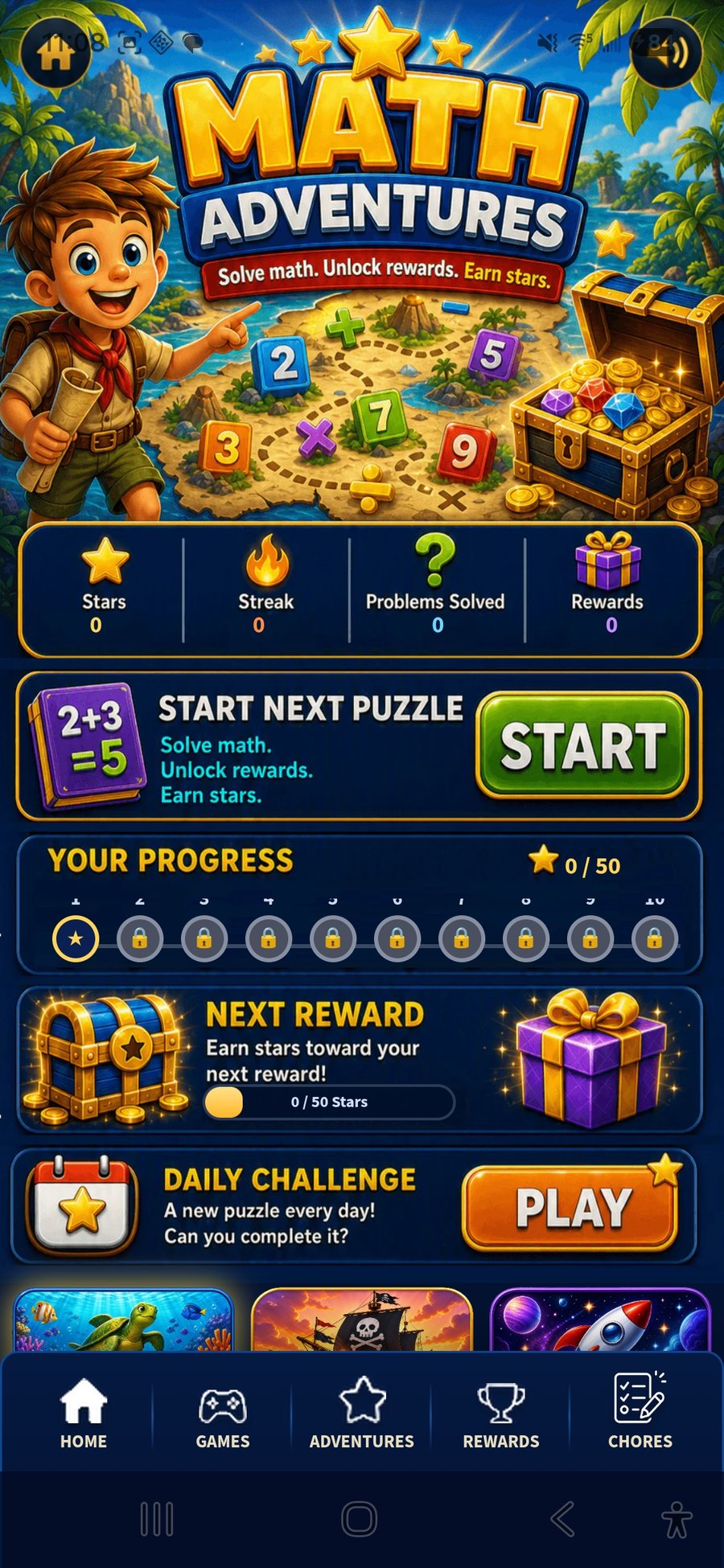
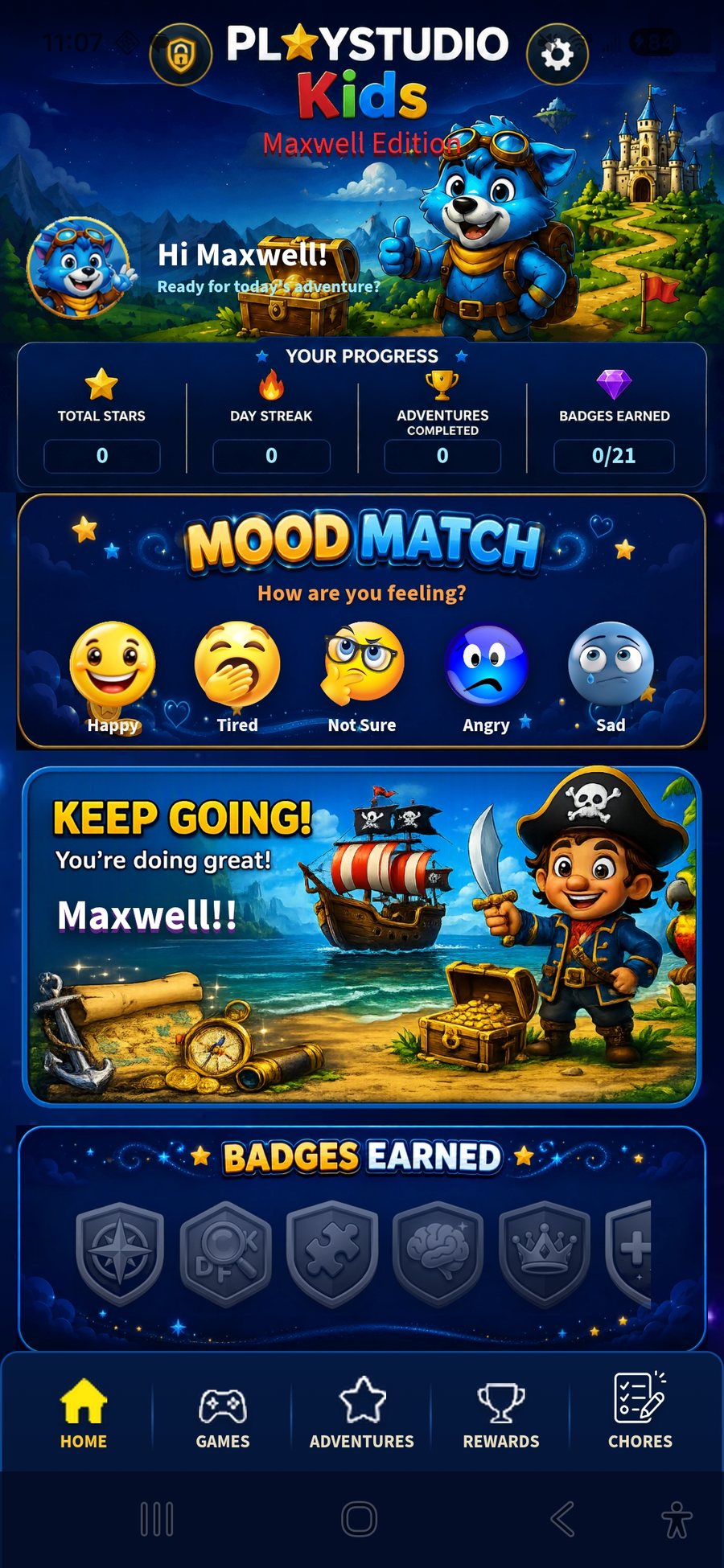
PlayStudio Kids takes the PlayStudio engine and reshapes it around a young player: a curated game lineup, original kid-friendly art, and real controls for the grown-up who hands over the phone.
What's different
Controls that actually control.
A separate parent PIN
Settings and parental controls sit behind their own PIN, apart from anything the child can reach.
Per-game on and off
Turn any game off entirely, or leave it visible but locked until it's earned.
Star-gated unlocks
A new game opens only after enough stars are earned in a core learning game. Variety with a nudge.
Chores that pay out
Assign chores. Completing them earns stars and, if you choose, real allowance, tracked next to game rewards.
Daily mood
A simple, kid-friendly way to say how the day is going, with a gentle message back.
No ads. Ever.
A deliberate decision, regardless of whether the app ever ships more broadly.

The lineup
Curated for a seven-year-old.
Sudoku and Nonogram are left out. Math Adventures and Reading Adventure are added in. Word Search, Bendy Words, Crossword, Memory Match, Maze, Sliding Puzzle, Trivia, Word Trail, Word Forge, and Infinite Maze round out the set, each with its own illustrated home screen.
Status
A family edition today. Built to travel.
Right now it's in daily use by one specific kid, and it's designed around them. From day one it was built in a way that would support a future public release on Google Play for other families.

Curious about the grown-up version?
Help
Need a hand? Get in touch.
Email us directly and we'll get back to you.